Create, edit, enhance and animate in Fenestra Studio
A complete guide to creating, editing and animating architectural visuals with Fenestra Studio

Shaun McCallum
April 13, 2026We’ve just shipped a pretty major update to Fenestra.
If you’ve opened it recently and thought, “this looks powerful, but I’m not fully sure where to start” you’re not alone.
A lot has changed. The layout is different, there are more tools, and you have much more control over what you can create.
So alongside the update, we’ve completely reworked our documentation. The goal was to make it something you can actually follow and get results from, not just something you skim once.
Check out all the documentation here: https://fenestra.app/documentation
Sketch To Render
Inside, you’ll now find a mix of:
- short video walkthroughs for each tool
- real prompts you can reuse
- tutorials based on actual workflows
We’re also adding more over the next few days, along with live webinars.
Learn to work with 3D
If you’re new, or still getting used to the interface, the best place to start is the quick start guide:
https://www.fenestra.app/documentation/getting-started/quick-start
It walks through the basics of the UI and shows how to go from a simple sketch to a render using Edit Mode. It is the fastest way to understand how everything fits together.
We’re also starting to organise things around real use cases. For example, if you’re working on interiors, we’ve put together a virtual staging tutorial that shows how to:
- use reference images properly inside Create Mode
- guide furniture and overall style
- get more consistent, usable outputs
Virtually Stage Any Interior
Get Started with Fenestra Studio!
Render Now!Related Articles
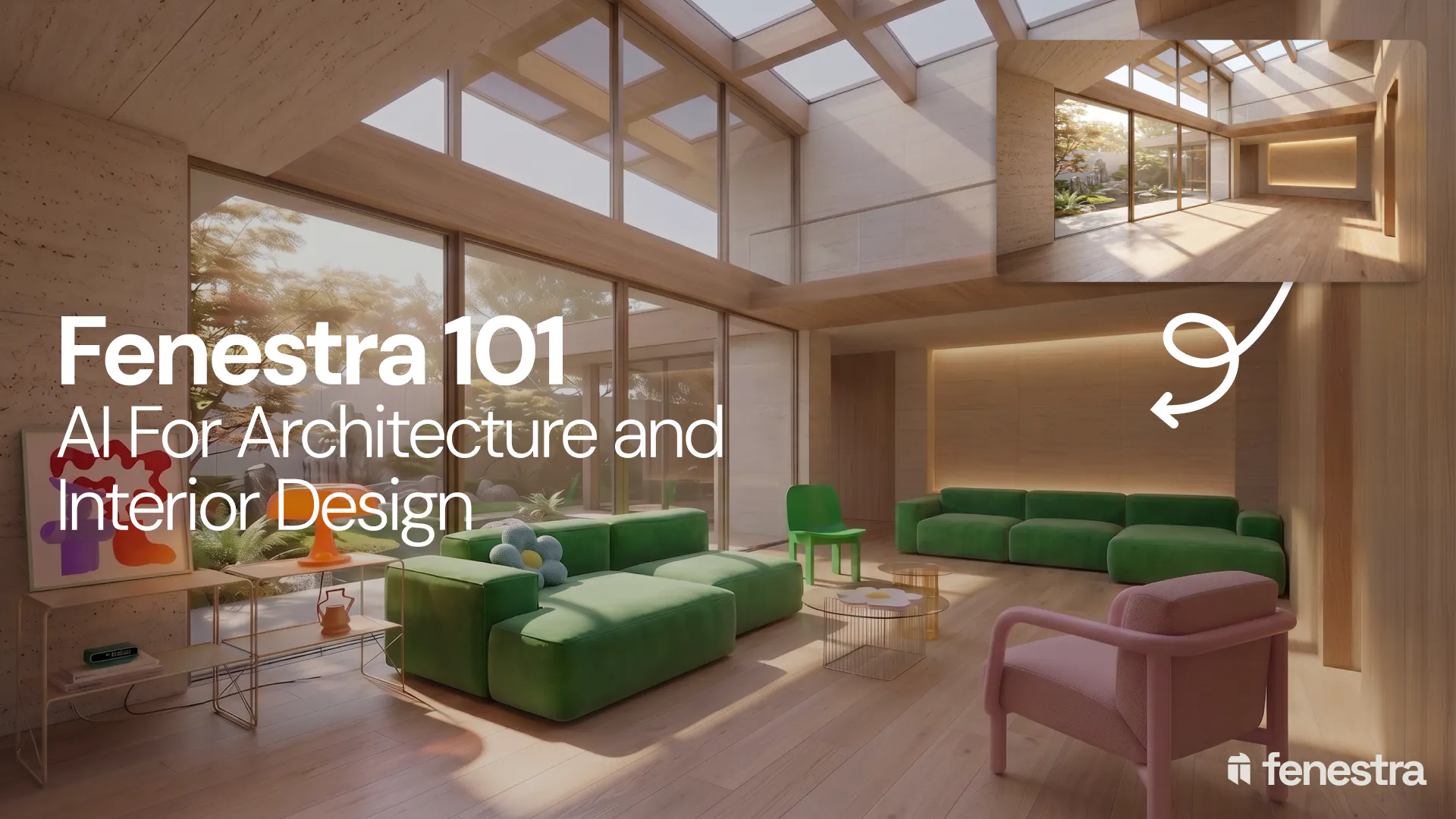
Fenestra 101: Sketch to Render, Virtual Staging and AI Editing for Architects & Interior Designers
In this introductory Fenestra webinar, we walk through the core tools architects and designers can use to turn early ideas into visual concepts. The session covers sketch to render workflows, virtual staging, adding furniture, editing images, removing elements and using AI to quickly explore design directions.

Fenestra 101: Our First Webinar
We're running our first ever live webinar on June 3rd. A hands-on intro to Fenestra for architects and interior designers, covering image generation from prompts, 2D and 3D inputs, video, and where AI actually fits in your practice. 30 seats only.

Is conversation the next 3D modelling tool? We tested AI modelling in Rhino
We tested AI 3D modelling in Rhino, driving geometry by conversation, then rendering in Fenestra. Where text-to-3D works, and where it doesn't yet.
